Music release checklist: prepare every visual before launch
A useful music release checklist connects each asset to a destination, an owner and a deadline. Start with the distributor’s delivery date, approve the cover, then prepare only the campaign formats you intend to use. Finish by checking the actual release and links after they go live.
Plan backwards from the real delivery deadline
Write down the distributor’s deadline and allow a separate window for corrections. Do the same for any announcement or video publication. Avoid assigning every task to release day: a wrong artist name should be caught while there is still time to replace the artwork.
Create a small delivery list with four fields: asset, destination, person responsible and approval date. For a simple single, that might mean the square cover, one vertical announcement and a listening link. Add items only when they have a clear use.
Approve one artwork master
Confirm the artist name, release title, featured credits and visual direction in one place. Keep the final metadata alongside the cover brief so the designer and the person uploading the music work from the same information.
Before exporting, confirm the current requirements of your distributor. Inspect the delivered file separately from the working document, and save a clearly named approved version. If several people can approve changes, choose one person to consolidate the feedback.
- Check spelling, accents, crop and image quality.
- Confirm the asset permissions and included source files.
- Keep the approved master separate from work in progress.
Adapt the campaign to each destination
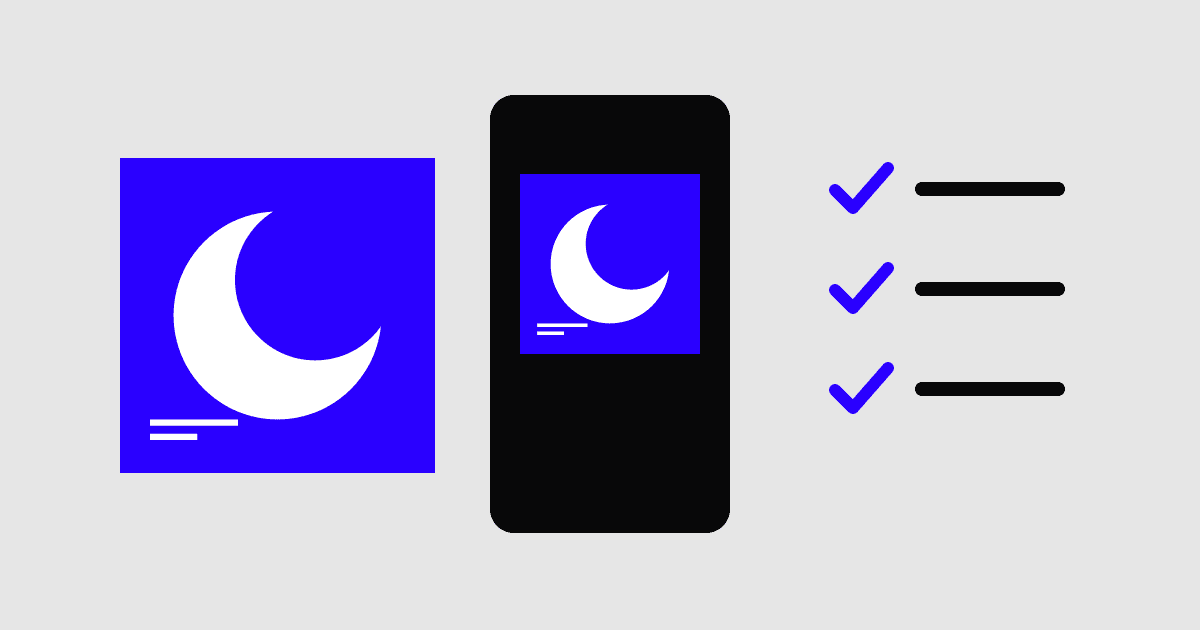
A square cover usually needs a new layout for a vertical announcement. Preserve its focal point and palette, then place the announcement text where it remains readable. Review the actual crop on a phone and leave room for the destination’s interface.
Prepare the message and destination link together. A pre-release announcement and a release-day post may need different wording and different URLs. Test links in a signed-out browser so the campaign does not depend on access available only to your own account.
Check the live release and archive the handoff
On release day, open the music destination and verify the cover, artist identity and track title. Follow every campaign link from the page or post where listeners will encounter it. Record any mismatch and send a precise correction request through the relevant service.
Afterwards, collect the final files, working source, permissions and live links into one release folder. Note one thing that caused avoidable rework. That observation makes the next checklist more useful than adding another generic task.
- Verify the live artwork and release metadata.
- Test the listening link without being signed in.
- Replace outdated announcement links when the release is live.
- Archive final exports and record any unresolved corrections.
Questions & answers
How many weeks before release should I start?
Work from the actual distributor and campaign deadlines. There is no universal lead time that fits every release. Leave room for artwork revisions, delivery checks and any platform-specific submission window.
Do I need every social format?
No. Prioritise the channels you will actually use. One carefully adapted vertical visual and a correct destination link can be more useful than a folder of unreviewed exports.