Spotify Canvas: specs and a practical loop workflow
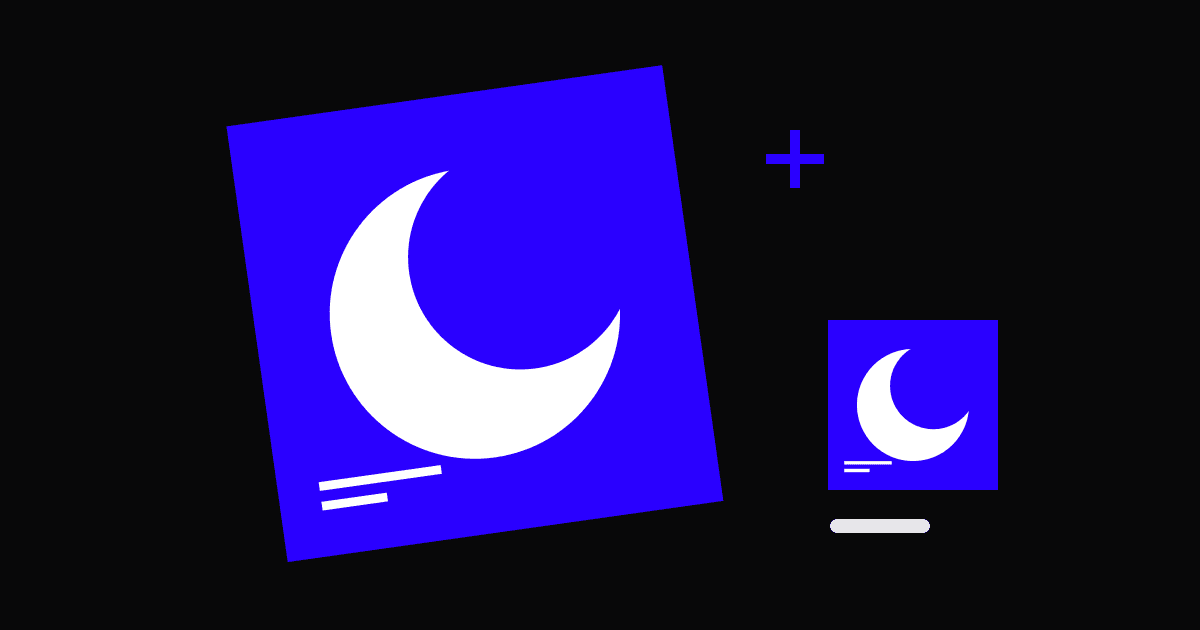
Spotify Canvas is a short vertical visual that accompanies a track in the mobile Now Playing view. Build it around one movement from your existing artwork: a drifting shape, a shifting light or a slow change in perspective. A clear loop is easier to use than a miniature trailer.
What format does Spotify Canvas need?
Spotify currently lists a duration of 3–8 seconds, a vertical 9:16 ratio, a height between 720 and 1080 pixels, and MP4 or JPG files. For an animated loop, export an MP4 and check the current official specifications before delivery.
Canvas does not replace the square artwork in your distribution package. Keep those deliverables separate, with distinct filenames, so a vertical video is never mistaken for the cover master.
Adapt the composition before animating
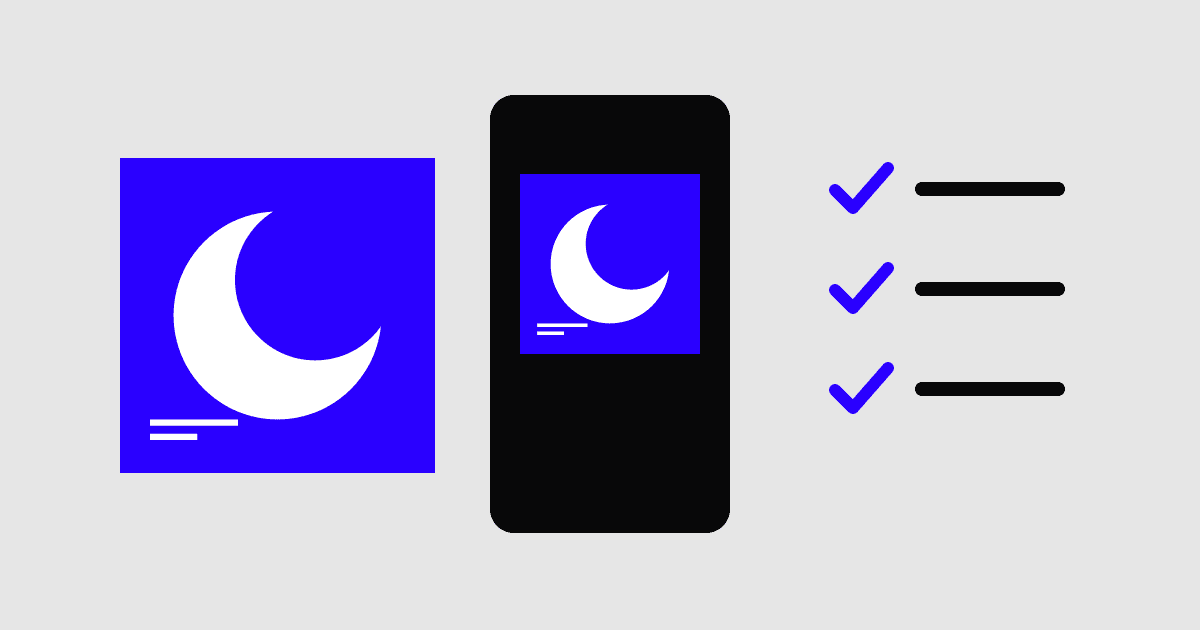
Place the cover inside a vertical working canvas and decide what needs to move or be extended. Avoid simply filling the screen by cropping away the subject. If the source is layered, background and foreground can be repositioned independently; if it is flattened, choose a movement that does not expose missing image areas.
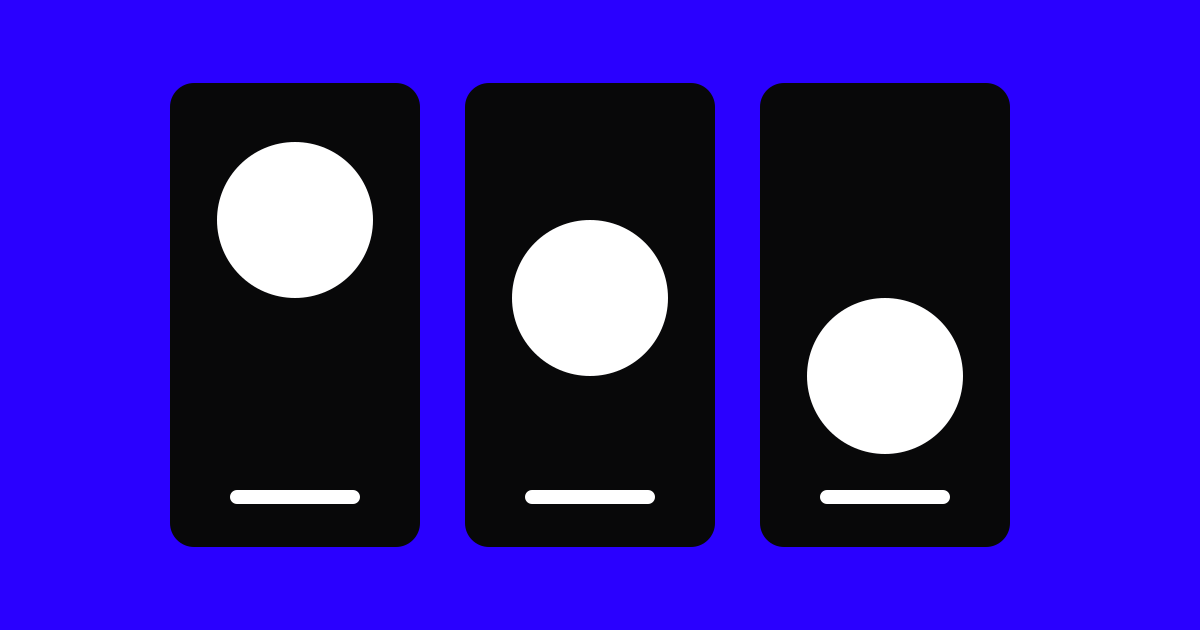
A useful example is a small light travelling across a static object. The object connects the loop to the cover, while the movement gives the vertical frame a reason to exist. Review the frame without motion first.
Build and inspect the repeat
Choose the loop mechanism before adding effects. You can return to the opening frame, hide a cut behind an object, or let a movement reverse. Watch at least three repeats in sequence. A jump that looks minor once can become distracting after several loops.
Spotify advises avoiding rapid cuts and intense flashing, and notes that phone edges may crop the image. Keep important content away from the margins. Text already displayed by the player usually does not need to be repeated in the visual.
Upload with a simple approval checklist
Preview the exported video on a phone, not only in the animation timeline. Inspect the subject, loop seam and visible compression. In Spotify for Artists, an eligible team member can select the track under Music and add the Canvas; Spotify’s upload guide explains artist and role requirements.
Treat Canvas as a visual deliverable with its own approval. It can strengthen a coherent campaign, but the existence of a loop does not guarantee more streams.
- Check duration, dimensions and file format against Spotify’s current guide.
- Watch several loops and inspect the phone crop.
- Keep the approved video alongside the square cover and source file.
Questions & answers
Is Canvas the same as a lyric video?
No. Canvas is a short repeating visual. A lyric video follows the song and needs readable, timed lyrics. Reusing a short lyric sequence as a loop can create an awkward repeat.
Should every release have a Canvas?
Prioritise it when you have a strong visual idea and the source assets to execute it. If the square artwork or essential campaign files are still unresolved, finish those first.