Music promo images: turn one cover into a social campaign
A music promo image should communicate one action: remember the date, listen to the release or watch the video. Keep the artwork recognisable, make the message readable and adapt the layout to the destination. Start with a small set of deliberate designs rather than many automatic crops.
Give each image one job
Choose the message before opening a template. A release announcement needs the artist, title and date; a release-day post may need a shorter listening message. Mixing a date, biography, full lyrics and several calls to action usually makes the visual harder to understand.
Write the caption alongside the image. If the image establishes the release and the caption provides context, neither has to carry every detail. Check that the wording matches the actual release status before scheduling it.
Recompose the cover for each format
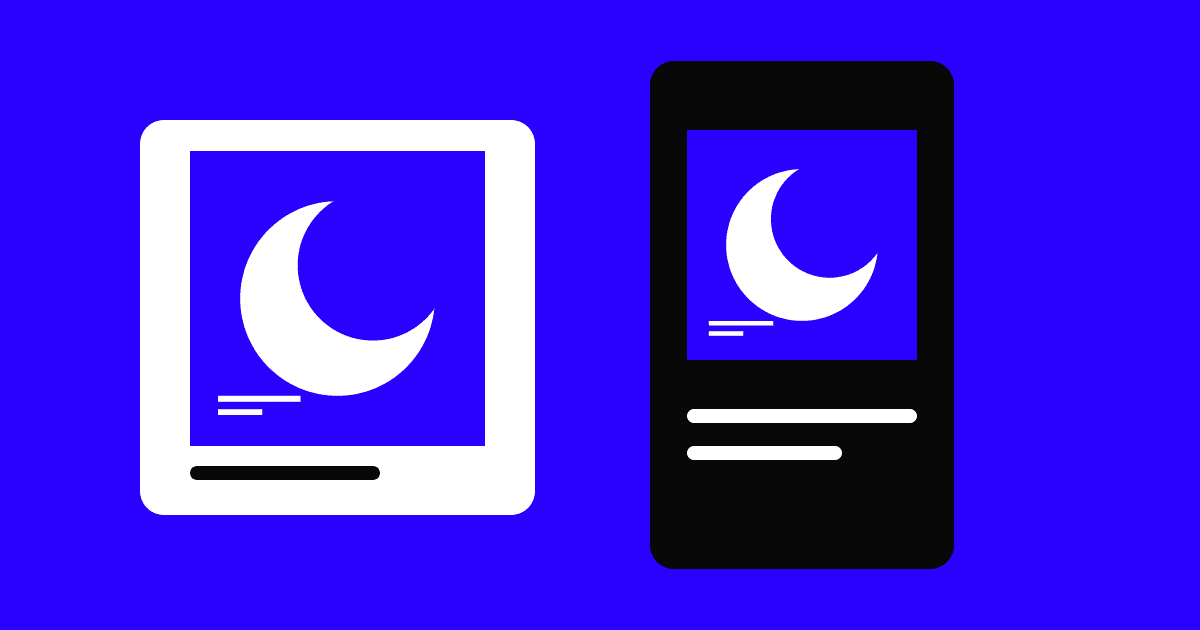
For a square post, the original cover can remain the main element. In a vertical story, try keeping the cover intact within the composition and use the additional space for the announcement. This preserves the artwork when a full-screen crop would cut through the focal point.
Keep one type treatment and a small palette across the set. Leave breathing room around dates and names, and inspect the destination’s interface before placing important details near an edge. Use the same source artwork, not a screenshot of an earlier social post.
Build a repeatable approval and export routine
Prepare one announcement and one release-day version first. Review both on a phone at normal size: the title should not require zooming and the date should be unambiguous. Ask someone unfamiliar with the brief to describe the intended action after a quick look.
Name exports by release, destination and status, then keep the editable source separately. In Promo Studio, choose the composition around the artwork and message you need. Review every export before sharing it; a template gives you a starting layout, while final spelling and release details still need your approval.
- One main message per image.
- Artwork proportions preserved.
- Names and dates checked at mobile size.
- Announcement and release-day versions clearly separated.
Questions & answers
Should the same image be used for a post and a story?
You can share the same artwork and identity, but adapt the layout. A square post stretched into a tall story distorts the image, while a heavy crop may remove the title or subject.
What is the difference between a cover and a promo image?
The cover identifies the release in the music catalogue. A promo image communicates a campaign action or moment. It can include the cover within a new layout built for that purpose.